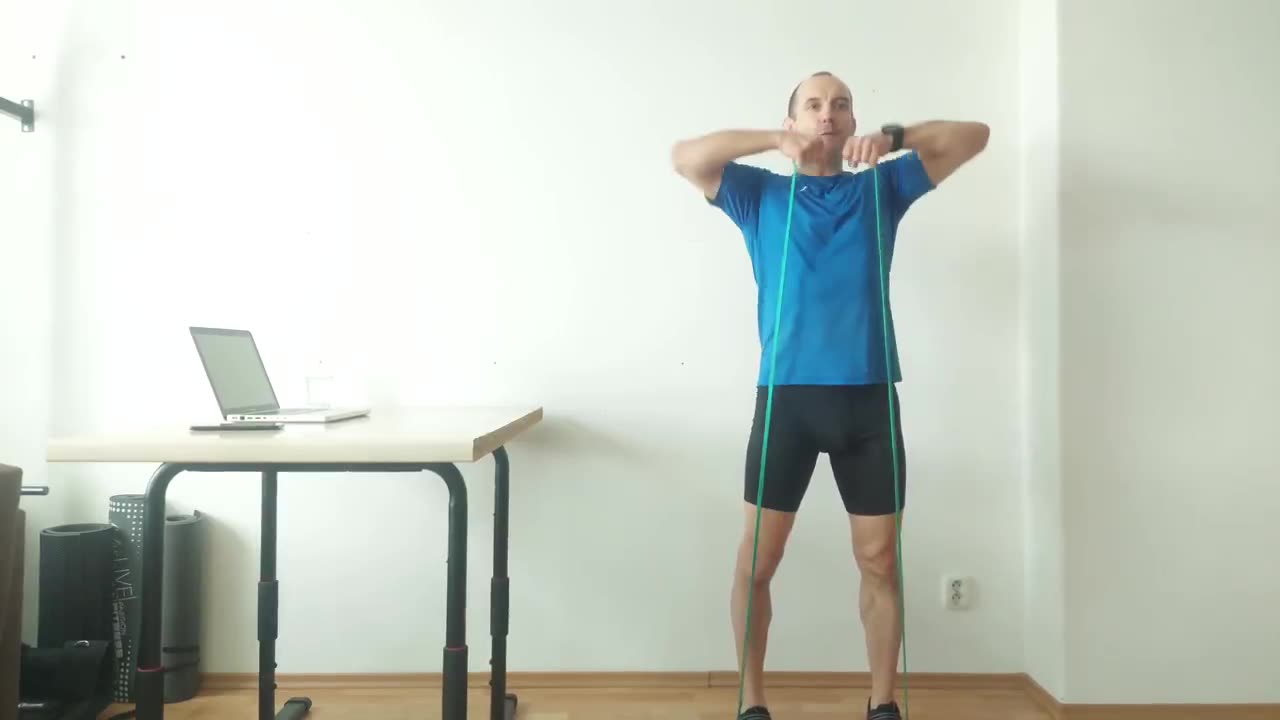
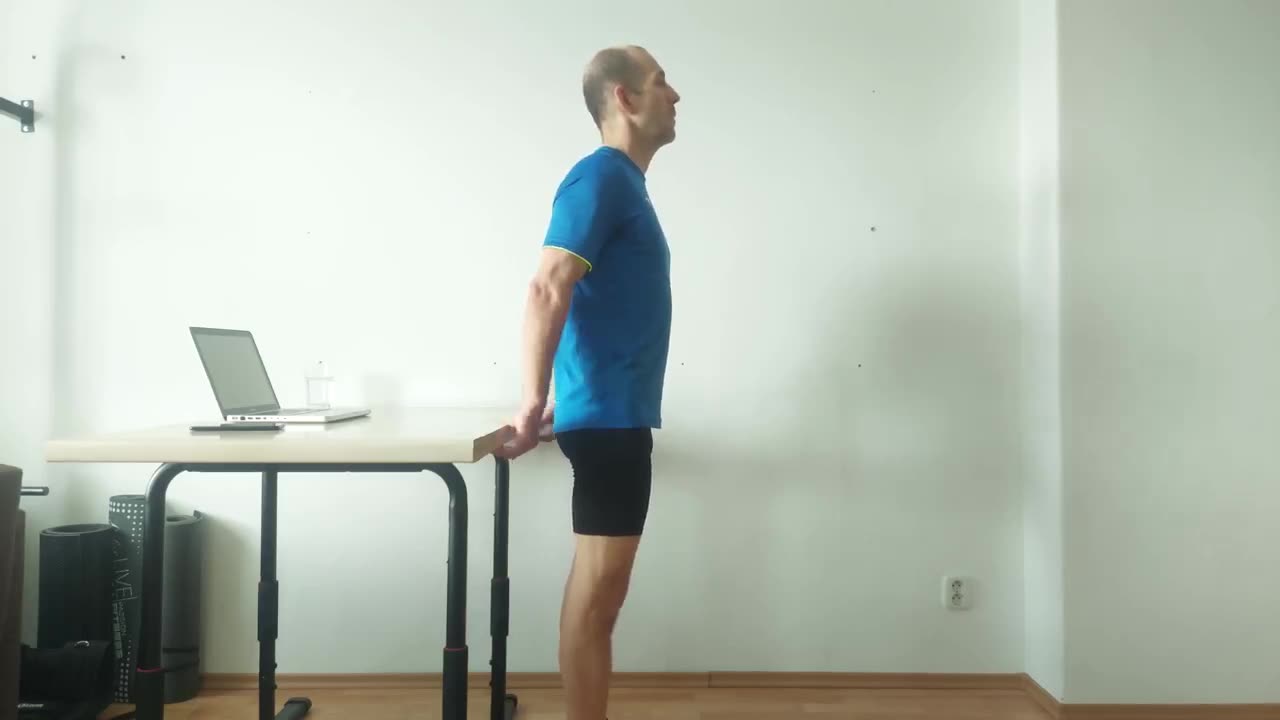
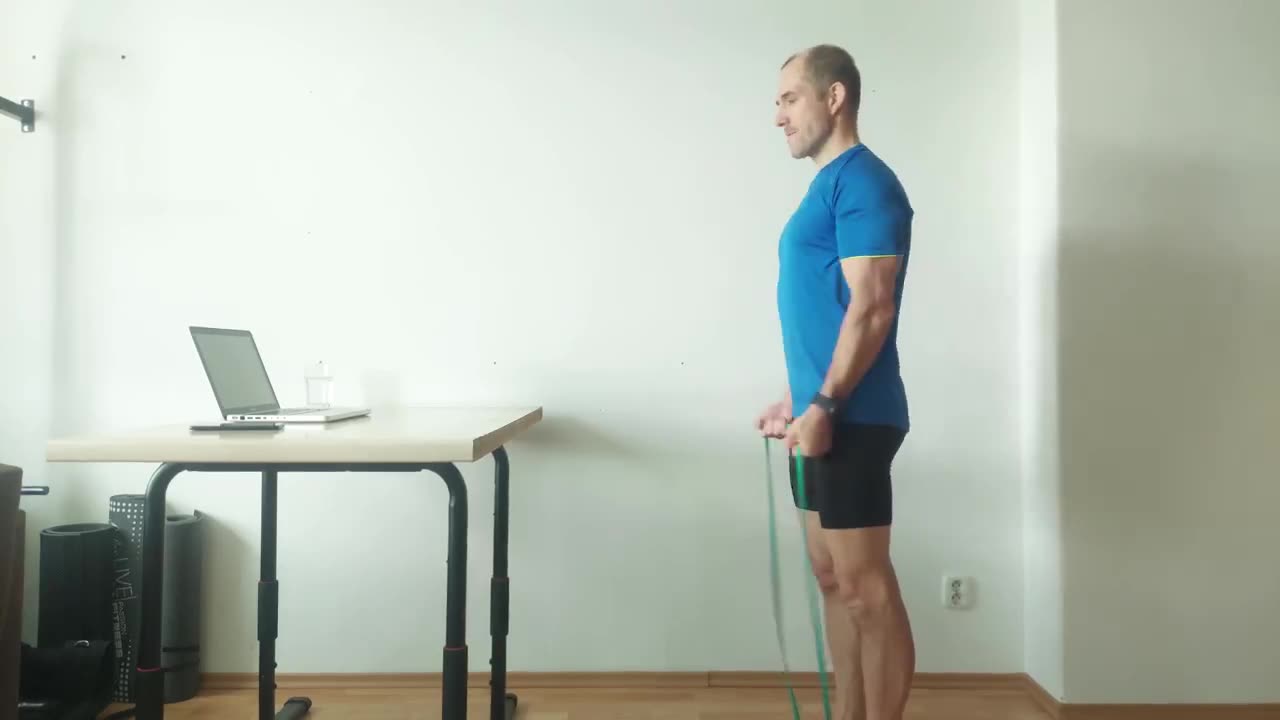
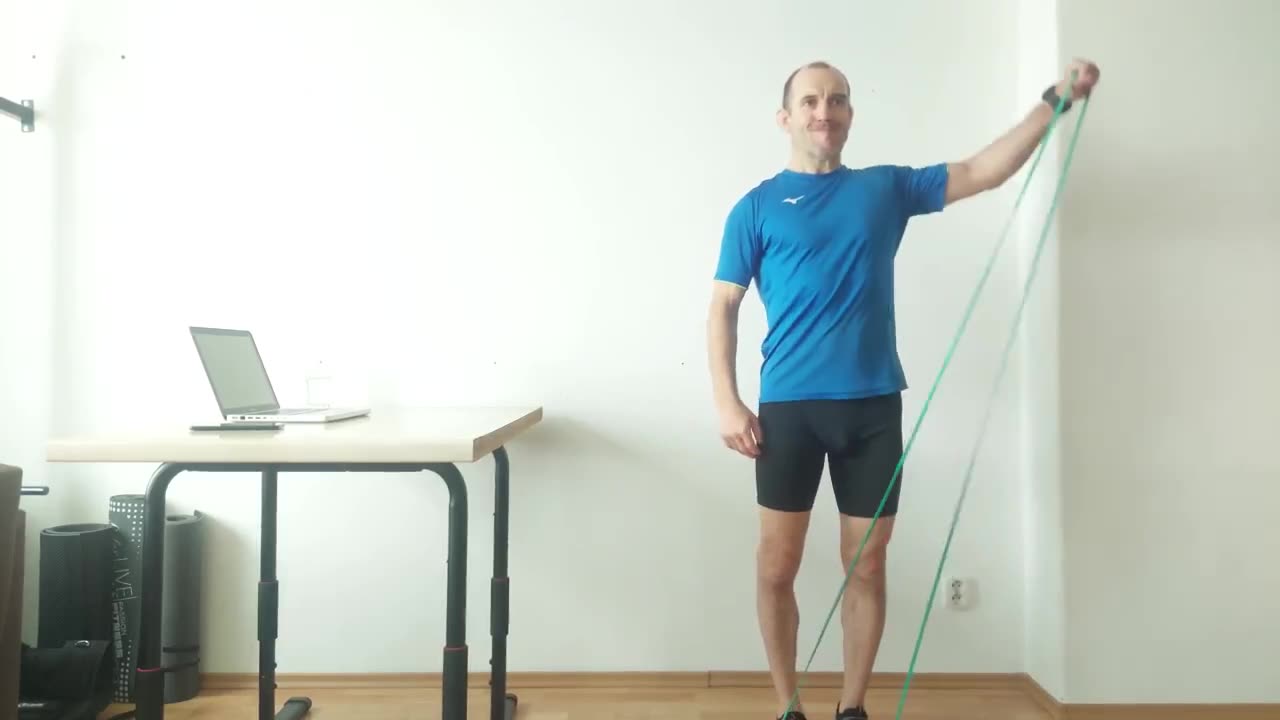
20+
exercises in the library
mobility · strength · stretch · posture
A short exercise break after meaningful commits. Built for developers who would rather refactor than rest.
You wrote 4,800 lines today and the only muscle you used was your trapezius, complaining.
git & fit notices when you commit something real, then suggests a 3-minute break.
Watches .git/logs/HEAD for new commits.
Filesystem only — no daemons, no background polling. The only network
calls are anonymous, opt-out telemetry and (on Pro) license checks.
A chore: typo commit will not make you do squats.
Defaults: 5 files, 200 lines, 60-min cooldown. Tunable per repo.
function evaluate(c: Commit) {
  if (c.files  < cfg.minFiles)  return 'trivial';
  if (c.lines  < cfg.minLines)  return 'trivial';
  if (sinceLastNudge < cooldown) return 'cooldown';
  return 'significant';   // → fire the nudge
}
Time for a quick break — you just committed 8 files · 217 lines.
One notification. Three buttons. Click Do it! and a 3–5 minute routine opens inline. Skip without guilt.
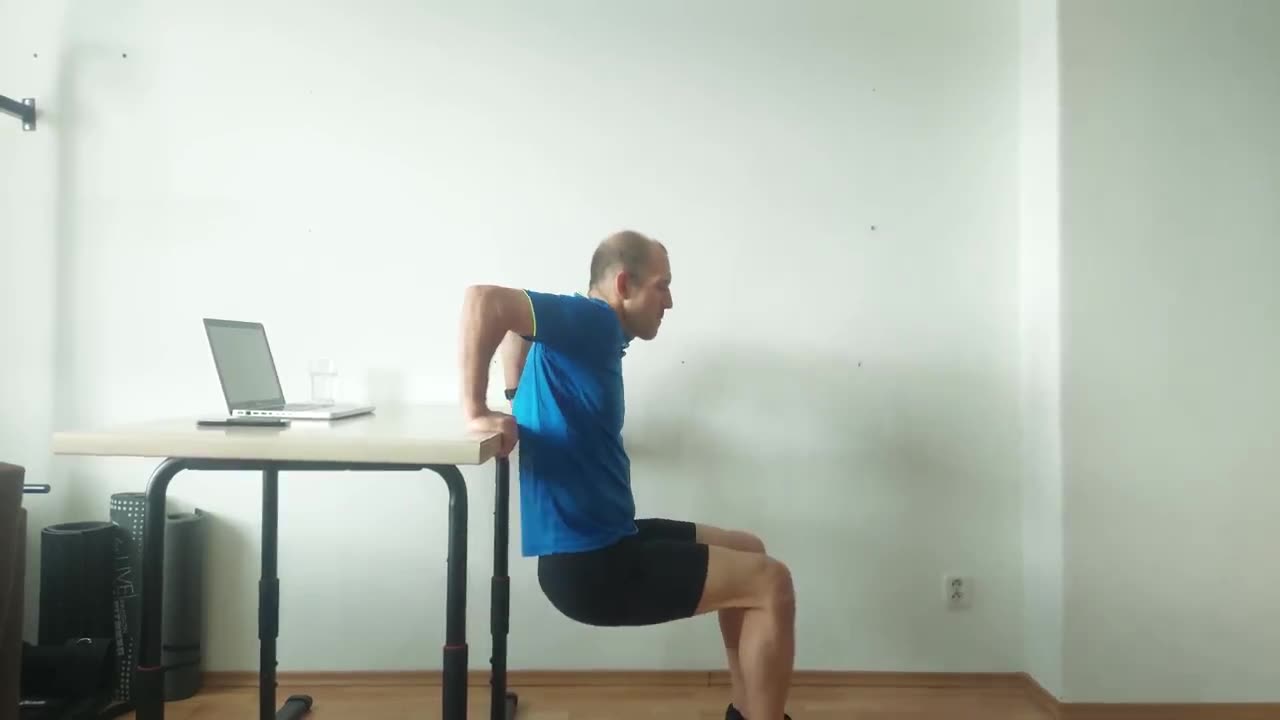
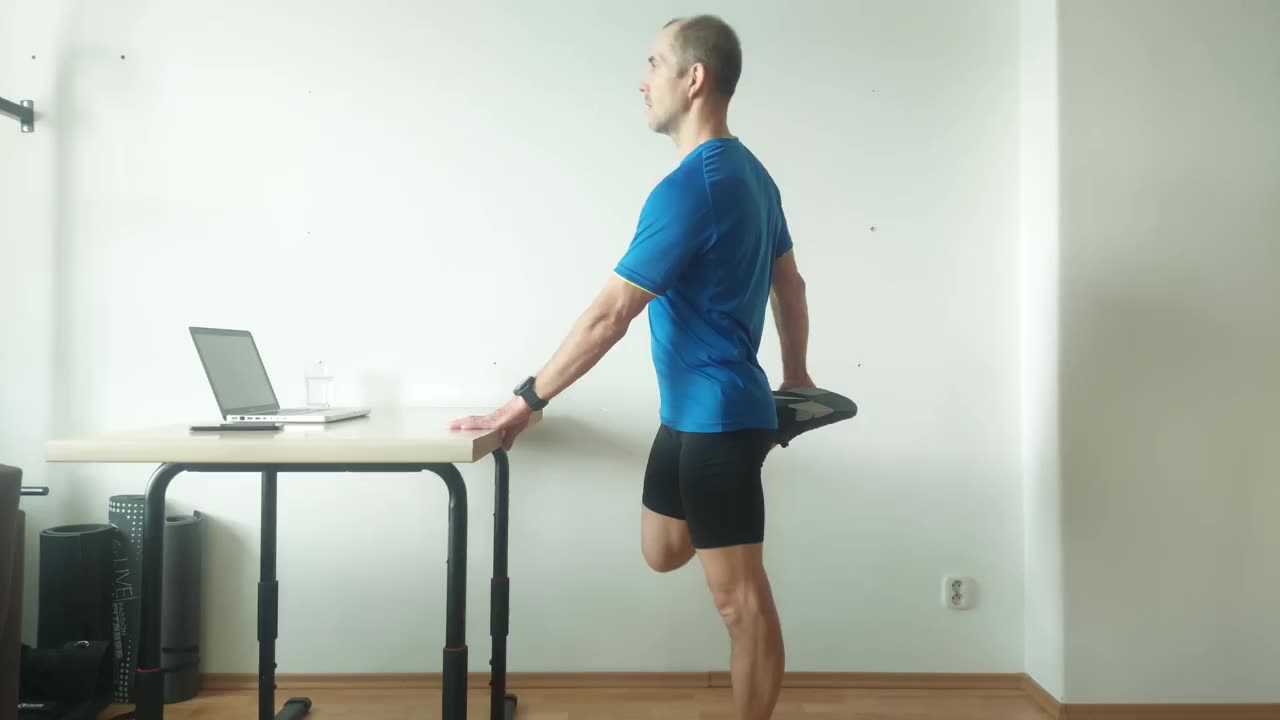
3–5 minute sequences from 20+ exercises, weighted by sprint phase (warm-up, peak, taper).
Five minutes, two hours, rest of the day, or forever. We will not call you "champion".
Commit a .gitnfit.json and your whole team gets
the same thresholds, intensity, and sprint cadence.
Keyboard shortcuts, ARIA labels, screen-reader support, captions on every exercise video. Adds new exercises faster than it adds settings.
$0/forever
No account required.
7-day free trial · no credit card
$4.99/mo
or $39/yr — save 35% · plus applicable tax
.gitnfit.jsonRun Git & Fit: Upgrade to Pro in the Command Palette. See full comparison →
Commit a .gitnfit.json to your repo and every clone
gets the same thresholds, sprint cadence, and intensity profile.
Override per developer in settings.json.
{
  "detection": { "minFilesChanged": 5, "minLinesChanged": 200, "cooldownMinutes": 60 },
  "sprint":    { "mode": "fixed-calendar", "lengthDays": 14, "anchorDate": "2026-01-06" },
  "routines":  {
    "durationMinutes":  4,
    "intensityByPhase": { "start": "medium", "mid": "medium", "end": "low" }
  }
}
Your code never leaves your machine — not file names, not commit messages, not a thing. The free tier sends only anonymous, opt-out usage counts (version, OS, a random id), and it honors VS Code's global telemetry setting. Turn it off in one click.
We only learn your email if you choose to sign in or subscribe — and payments go through Stripe, so we never see your card. Read the source and confirm it in about ten minutes.
mobility · strength · stretch · posture
triggered by real commits · not a timer
works offline · no accounts